In the realm of high-performance networking, the Mellanox MSN2100 CB2F stands out as a robust and versatile switch tailored for modern data centers. This state-of-the-art switch offers a myriad of advanced features and capabilities, enabling seamless network management and optimization. One of the cornerstone aspects of managing the MSN2100 CB2F is through its Command Line Interface (CLI), which provides a powerful toolset for both manual configuration and automated scripting. This article delves into the intricacies of CLI command line management for the Mellanox MSN2100 CB2F, highlighting its advanced features, the role of scripting in automation, and the overall value it brings to network administrators.
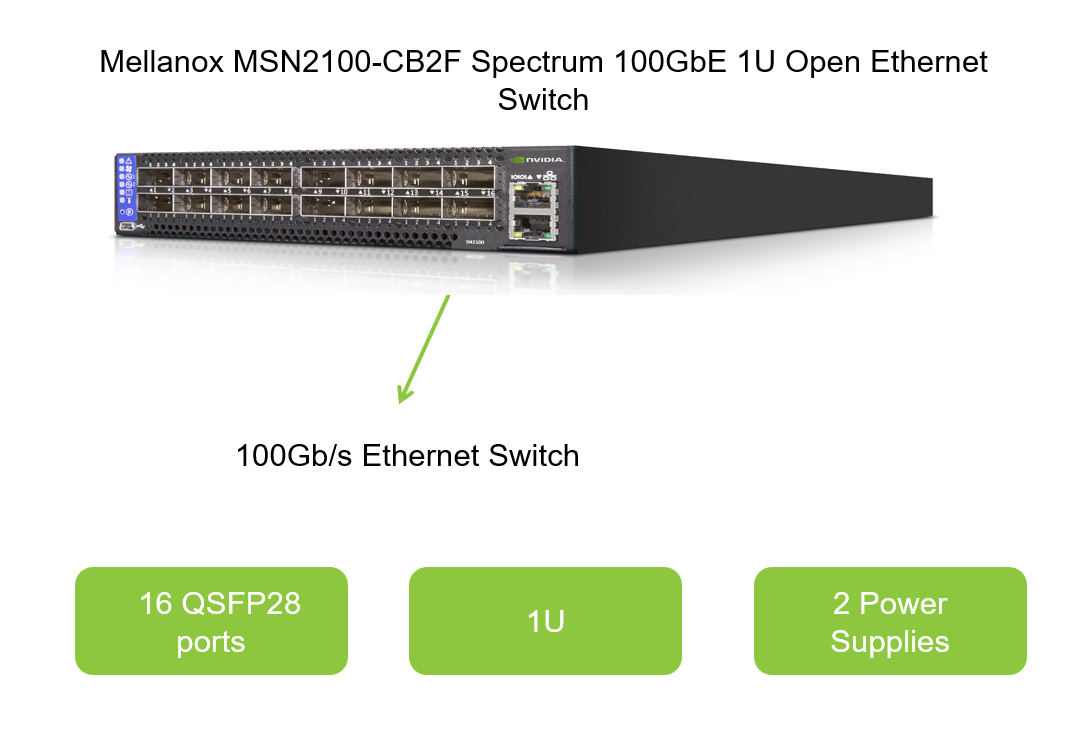
Understanding the Mellanox MSN2100 CB2F
The Mellanox MSN2100 CB2F is a top-tier network switch designed to cater to the rigorous demands of modern data centers. It leverages Mellanox's cutting-edge technology to provide unparalleled performance, scalability, and reliability. With support for advanced networking protocols and features such as RDMA (Remote Direct Memory Access), RoCE (RDMA over Converged Ethernet), and NVMe over Fabric, the MSN2100 CB2F is ideal for environments requiring low-latency and high-throughput communications. Its robust hardware design complements these capabilities, ensuring that the switch can handle the most demanding workloads with ease.
Core Features of the MSN2100 CB2F
The Role of CLI in MSN2100 CB2F Management
The Command Line Interface (CLI) is a fundamental aspect of managing the Mellanox MSN2100 CB2F. It provides network administrators with a powerful and flexible way to configure, monitor, and troubleshoot the switch. Unlike graphical user interfaces (GUIs), which can be limiting in terms of functionality and customizability, the CLI offers a comprehensive command set that allows for granular control over every aspect of the switch's configuration.
Accessing the CLI
Accessing the CLI of the MSN2100 CB2F typically involves connecting to the switch via a serial console, SSH, or Telnet. Once connected, administrators can issue commands to retrieve switch status, modify configurations, and perform diagnostic tasks. The CLI environment is highly interactive, providing real-time feedback and error messages to guide administrators through their tasks.
Basic CLI Commands
show version, show running-config, and show interface status provide valuable insights into the switch's current state and configuration.configure terminal, interface gigabitEthernet 1/1, and no shutdown enable administrators to make changes to the switch's configuration.ping, traceroute, and show logging assist in diagnosing network issues and identifying potential points of failure.Advanced Features Unlocked by CLI
Beyond basic configuration and troubleshooting, the CLI of the Mellanox MSN2100 CB2F offers a suite of advanced features that can be leveraged to optimize network performance and enhance security. These features include advanced routing protocols, quality of service (QoS) settings, and access control lists (ACLs).
Routing Protocols
The CLI allows for the configuration of advanced routing protocols such as OSPF (Open Shortest Path First), BGP (Border Gateway Protocol), and ECMP (Equal-Cost Multi-Path Routing). These protocols enable the MSN2100 CB2F to function as a robust router within the data center, optimizing traffic flow and ensuring high availability.
Quality of Service (QoS)
QoS settings can be fine-tuned through the CLI to prioritize different types of network traffic. By configuring class maps, policy maps, and service policies, administrators can ensure that latency-sensitive applications, such as voice and video, receive the bandwidth and priority they require.
Access Control Lists (ACLs)
ACLs provide a crucial layer of security by allowing or denying traffic based on specified criteria. The CLI offers extensive options for creating and managing ACLs, enabling administrators to enforce granular access controls and mitigate potential security threats.
Script Automation for Efficient Management
One of the most valuable aspects of using the CLI for Mellanox MSN2100 CB2F management is the ability to automate tasks through scripting. By automating repetitive and time-consuming tasks, administrators can streamline their workflows, reduce human error, and improve overall network efficiency.
Scripting Languages
A variety of scripting languages can be used to automate CLI commands, including Bash, Python, and Perl. These languages offer robust functionality for parsing output, making decisions based on conditions, and looping through commands to apply configurations to multiple interfaces or VLANs.
Automation Use Cases
Benefits of Script Automation
The Value of CLI Command Line Management
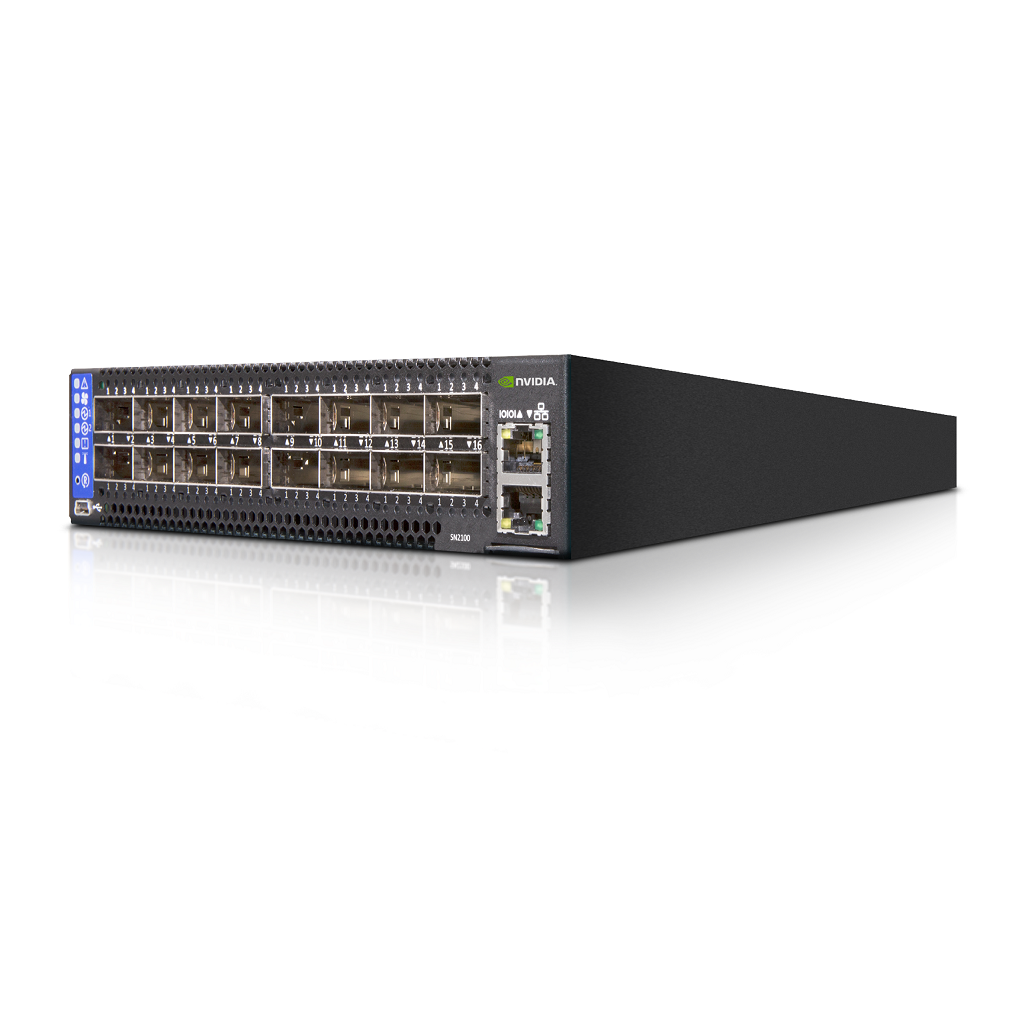
The value of CLI command line management for the Mellanox MSN2100 CB2F lies in its versatility, power, and the ability to unlock advanced features and automation capabilities. By leveraging the CLI, network administrators can achieve a level of control and efficiency that is simply not possible with GUI-based tools alone.
Enhanced Control
The CLI provides granular control over every aspect of the MSN2100 CB2F's configuration, enabling administrators to fine-tune settings to meet specific network requirements. This level of control is essential for optimizing network performance and ensuring reliability.
Improved Efficiency
Automation through scripting significantly improves efficiency by reducing the time required to perform routine tasks and eliminating the risk of human error. This enables administrators to manage larger networks more effectively and respond more quickly to issues as they arise.
Future-Proofing
As network technologies evolve, the CLI ensures that the MSN2100 CB2F can adapt to new protocols and features. By providing a flexible and extensible command set, the CLI future-proofs the switch, ensuring that it remains a valuable asset in the ever-changing landscape of data center networking.
Conclusion
In summary, CLI command line management for the Mellanox MSN2100 CB2F is a crucial aspect of network administration, offering a versatile and powerful toolset for configuring, monitoring, and troubleshooting the switch. By unlocking advanced features such as routing protocols, QoS settings, and ACLs, and enabling automation through scripting, the CLI significantly enhances the value of the MSN2100 CB2F. Its ability to provide granular control, improve efficiency, and future-proof the switch makes it an indispensable resource for network administrators tasked with managing modern data centers. Whether you are a seasoned professional or a newcomer to network management, mastering the CLI of the Mellanox MSN2100 CB2F will undoubtedly equip you with the skills necessary to excel in your role and drive network excellence.


