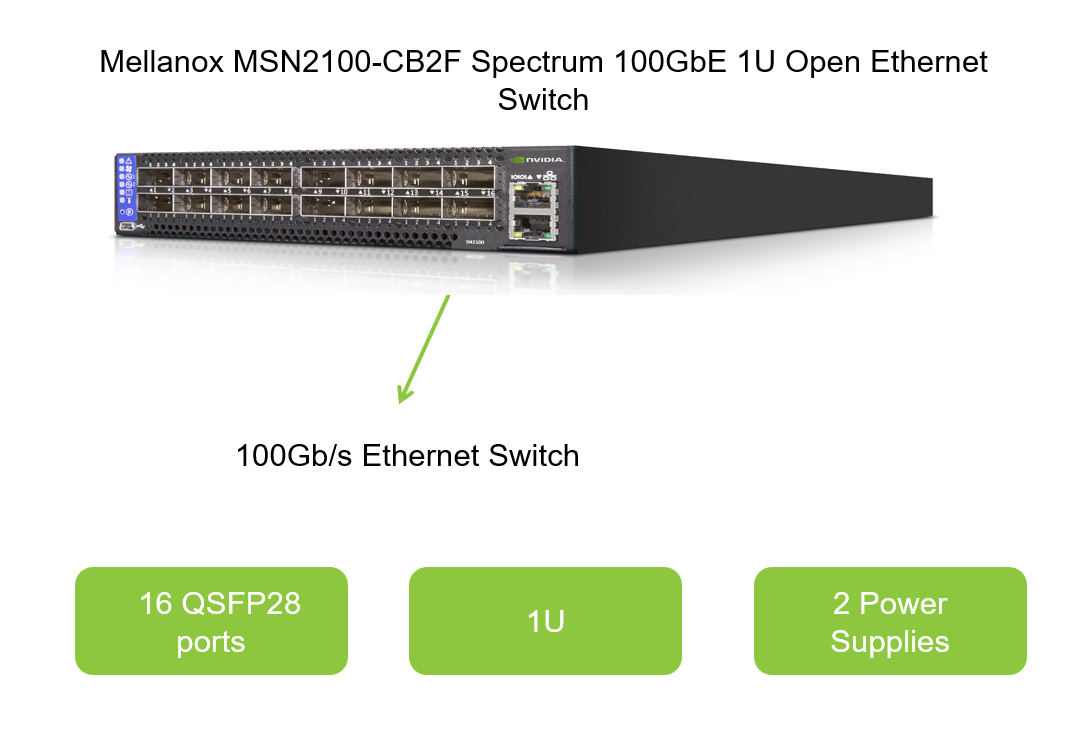
As a high-performance networking solution, it offers unparalleled scalability, reliability, and efficiency. This guide will delve into the firmware upgrade and vulnerability fix procedure for the Mellanox MSN2100-CB2F, ensuring that your network remains secure and up-to-date.
Introduction to Mellanox MSN2100 CB2F
The Mellanox MSN2100-CB2F is a state-of-the-art Ethernet switch designed for modern data center environments. As a high-performance networking solution, it offers unparalleled scalability, reliability, and efficiency. This guide will delve into the firmware upgrade and vulnerability fix procedure for the Mellanox MSN2100-CB2F, ensuring that your network remains secure and up-to-date.
What is Mellanox MSN2100 CB2F?
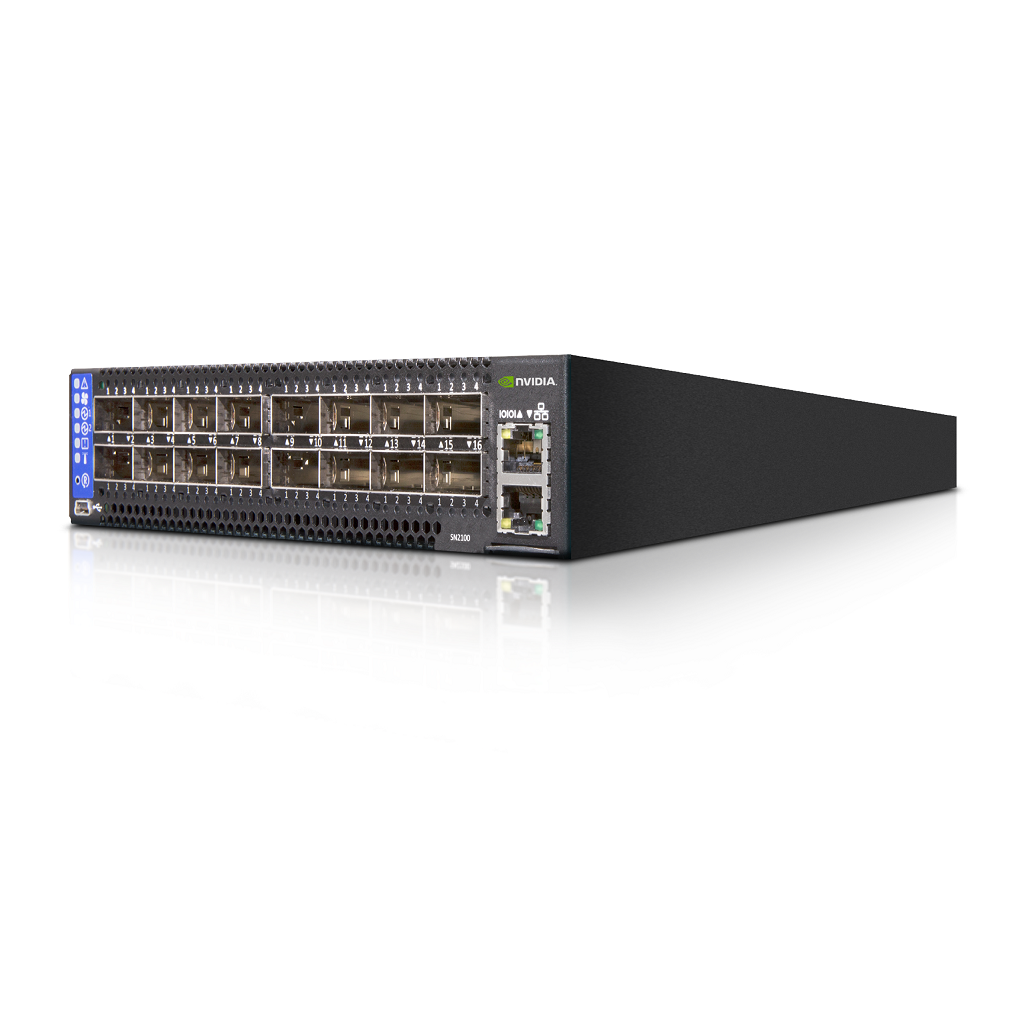
The Mellanox MSN2100-CB2F is an Ethernet switch that belongs to the Mellanox MSN2000 series. It features 16 QSFP28 ports, supporting speeds of up to 100GbE. With its compact 1RU form factor, the MSN2100-CB2F can be easily deployed in data centers, providing high-density, non-blocking switching capabilities.
Key Features of Mellanox MSN2100 CB2F
- High Density and Scalability: The MSN2100-CB2F offers 16 ports of 100GbE connectivity, scalable to 128 ports in a 1RU footprint.
- Non-blocking Architecture: Ensures zero packet loss and maximum throughput.
- Advanced Management: Supports a wide range of management features, including NEO 100/1000 management ports, serial console ports, and SDN OpenFlow.
- Robust Security: Incorporates multiple security protocols, such as RADIUS, TACACS+, LDAP, and SSHv2, to safeguard the network.
- Power Efficiency: Designed for low power consumption, with a typical power draw of 94.3W when using passive cables.
Application Scenarios of Mellanox MSN2100 CB2F
The Mellanox MSN2100-CB2F is ideal for various application scenarios in data centers:
- Top of Rack (ToR) Switch: Provides high-density, high-speed connectivity for servers in a rack.
- Spine Switch: In larger data center deployments, the MSN2100-CB2F can serve as a spine switch, aggregating traffic from multiple ToR switches.
- High-Performance Computing (HPC) Environments: Supports the high-bandwidth, low-latency requirements of HPC applications.
Firmware Upgrade Procedure for Mellanox MSN2100 CB2F
Understanding the Importance of Firmware Upgrades
Firmware upgrades are crucial for maintaining the performance, security, and compatibility of network devices. They often include bug fixes, security patches, and new features. Regularly updating the firmware of your Mellanox MSN2100-CB2F ensures that it operates at its best and is protected against known vulnerabilities.
Preparation for Firmware Upgrade
Before initiating the firmware upgrade process, ensure that you have the following:
- Access to the Mellanox Support Website: Visit Mellanox Support to download the latest firmware and upgrade tools.
- Backup Configuration: Make a backup of the current switch configuration to avoid any loss of settings during the upgrade.
- Network Connectivity: Ensure that the switch has uninterrupted network connectivity to the management server or workstation where the upgrade will be initiated.
Downloading Firmware and Upgrade Tools
- Visit the Mellanox Support Website: Go to the Mellanox official website and navigate to the firmware download section.
- Download Firmware: Locate and download the latest firmware for the Mellanox MSN2100-CB2F. The firmware file will typically have a
.bin extension.
- Download Upgrade Tools: Also, download any necessary upgrade tools, such as the Mellanox Firmware Tool (MFT).
Performing the Firmware Upgrade
- Transfer Files to the Switch: Use a secure method, such as SCP or SFTP, to transfer the downloaded firmware and upgrade tools to the switch.
- Install Upgrade Tools: If using the Mellanox Firmware Tool (MFT), follow the installation instructions provided by Mellanox. This may involve unpacking the tool, running an installation script, and starting the MST service.
- Check Switch Status: Use the MST service to check the status of the switch and ensure that it is ready for the upgrade.
- Upgrade Firmware: Execute the firmware upgrade command, specifying the path to the firmware file. For example, using the
flint command:
bash flint -d /dev/mst/mtXXXX_pciconf0 -i /path/to/firmware.bin burn
Replace /dev/mst/mtXXXX_pciconf0 with the actual device name of your Mellanox MSN2100-CB2F switch and /path/to/firmware.bin with the path to the downloaded firmware file.
- Verify Upgrade: After the upgrade completes, verify that the new firmware version is installed by checking the switch status again.
Vulnerability Fix Procedure for Mellanox MSN2100 CB2F
Importance of Vulnerability Management
Managing vulnerabilities in network devices is essential for maintaining the overall security of your data center. Regularly checking for and applying security patches ensures that known vulnerabilities are mitigated, reducing the risk of attacks.
Identifying Vulnerabilities
- Subscribe to Mellanox Security Alerts: Register for Mellanox security alerts to receive notifications about new vulnerabilities and patches.
- Regular Vulnerability Scans: Use vulnerability scanning tools to regularly scan your network devices, including the Mellanox MSN2100-CB2F, for known vulnerabilities.
Applying Security Patches
- Download Patches: When a vulnerability is identified, visit the Mellanox Support website to download the corresponding security patch.
- Apply Patches: Follow the instructions provided by Mellanox to apply the patch to your Mellanox MSN2100-CB2F switch. This may involve uploading the patch file to the switch and executing a command to apply it.
- Verify Patch Application: After applying the patch, verify that it has been successfully installed and that the vulnerability has been mitigated.
Best Practices for Vulnerability Management
- Regular Updates: Schedule regular firmware and security patch updates to ensure that your Mellanox MSN2100-CB2F switch is always up-to-date.
- Monitoring and Logging: Enable logging and monitoring to detect any suspicious activity or potential security breaches.
- Access Control: Restrict access to the switch's management interface to authorized personnel only.
- Backup and Recovery: Maintain regular backups of the switch configuration and be prepared to restore it in case of a security incident.
Conclusion
The Mellanox MSN2100-CB2F is a powerful Ethernet switch designed for modern data center environments. By regularly updating its firmware and applying security patches, you can ensure that it operates at its best and remains protected against known vulnerabilities. By following the procedures outlined in this guide, you can maintain the performance, security, and compatibility of your Mellanox MSN2100-CB2F switch, ensuring that it continues to serve your networking needs effectively.