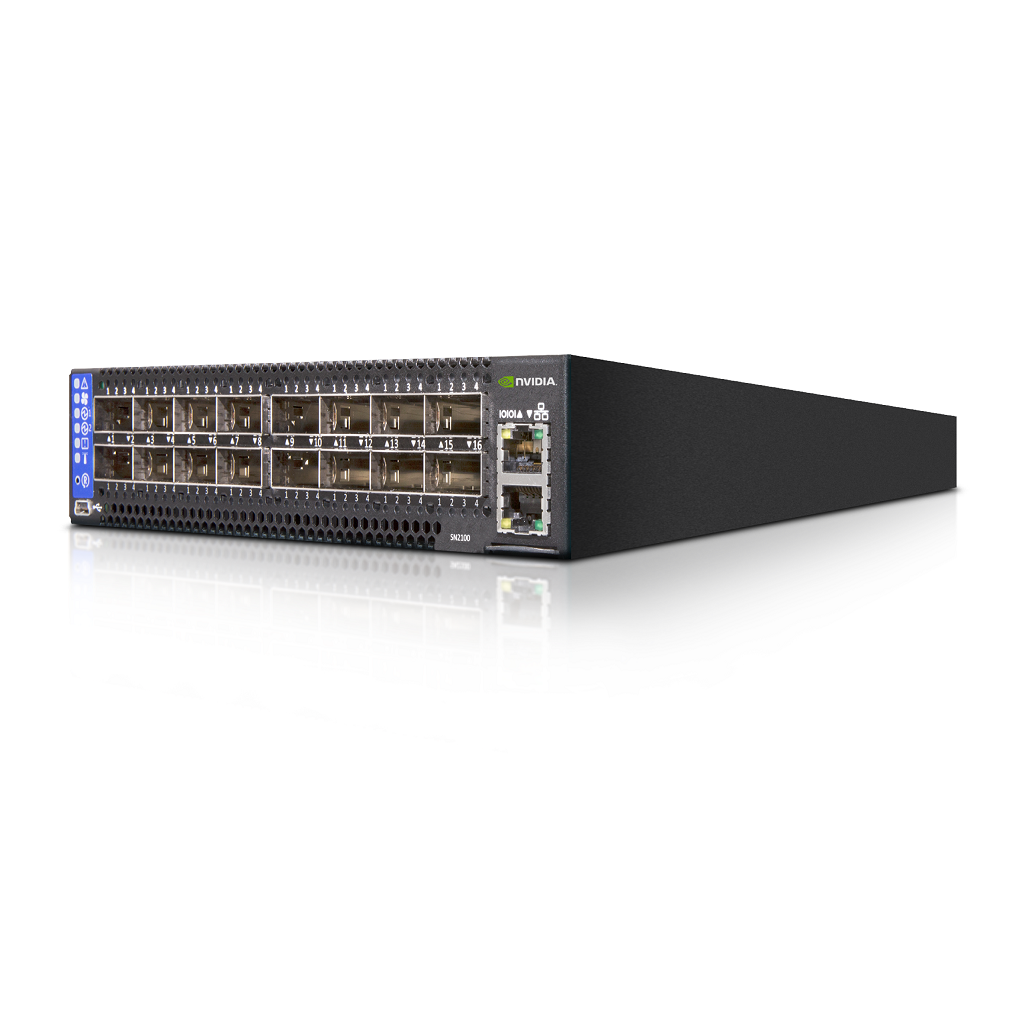
It offers unparalleled bandwidth and low latency, making it ideal for a variety of applications including high-performance computing (HPC), cloud computing, and big data analytics. With its advanced features and robust performance, the Mellanox SN2100 switch has become a staple in many enterprise environments. However, like any piece of advanced technology, troubleshooting issues can arise. This guide will provide insights into common problems encountered with the Mellanox SN2100 switch and off
Introduction to Mellanox SN2100 Switch
The Mellanox SN2100 switch is a high-performance, scalable, and energy-efficient network switch designed to meet the demands of modern data centers. It offers unparalleled bandwidth and low latency, making it ideal for a variety of applications including high-performance computing (HPC), cloud computing, and big data analytics. With its advanced features and robust performance, the Mellanox SN2100 switch has become a staple in many enterprise environments. However, like any piece of advanced technology, troubleshooting issues can arise. This guide will provide insights into common problems encountered with the Mellanox SN2100 switch and offer practical solutions to help you maintain optimal network performance.
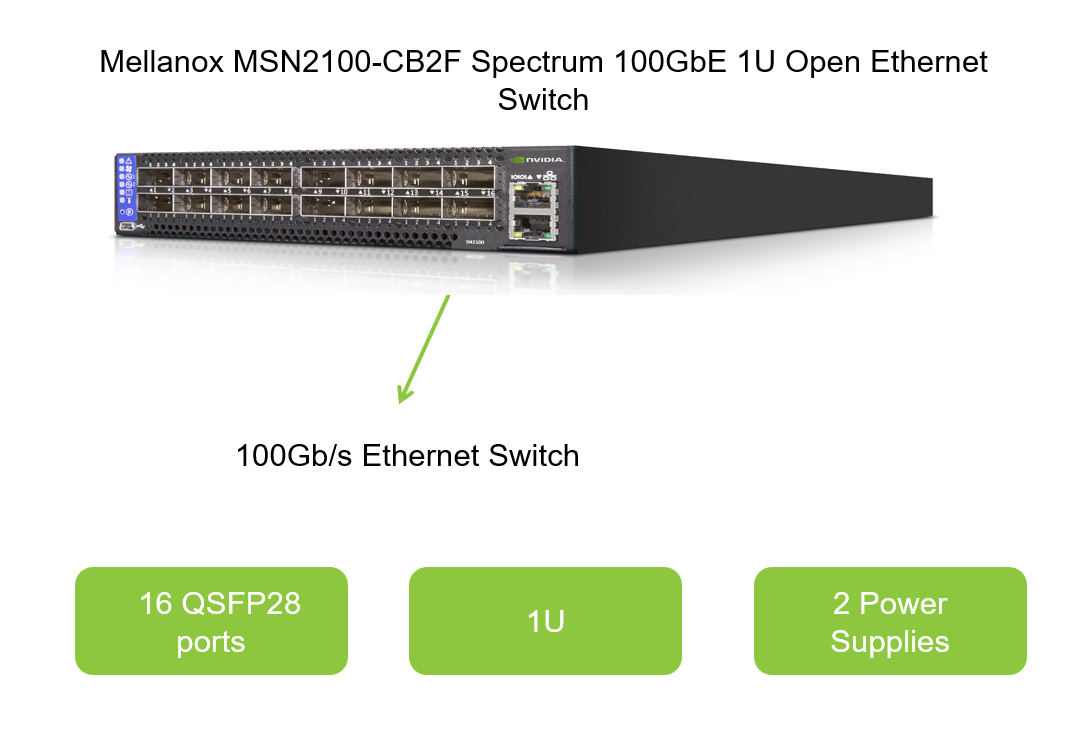
What is Mellanox SN2100?
The Mellanox SN2100 is a top-of-the-line Ethernet switch designed for data center environments. It supports high-speed network connections, offering up to 100Gb/s per port, and is capable of scaling to accommodate a large number of devices. The switch is known for its energy efficiency, advanced management capabilities, and seamless integration with Mellanox's suite of network software solutions.
Main Features of Mellanox SN2100
- High Bandwidth and Low Latency: The SN2100 provides ultra-high bandwidth and low latency, essential for demanding applications.
- Scalability: Capable of scaling to accommodate a growing number of devices and increasing network traffic.
- Energy Efficiency: Designed to minimize power consumption without compromising performance.
- Advanced Management: Comprehensive management tools for easy configuration, monitoring, and troubleshooting.
- Seamless Integration: Easily integrates with Mellanox's network software solutions for enhanced functionality.
Usage Scenarios for Mellanox SN2100
- High-Performance Computing (HPC): Ideal for interconnecting HPC nodes to ensure high-speed data transfer.
- Cloud Computing: Supports large-scale cloud infrastructures by providing high bandwidth and low latency.
- Big Data Analytics: Enables efficient data processing and analysis by facilitating rapid data movement across the network.
- Enterprise Data Centers: Suitable for enterprise environments requiring robust, scalable, and energy-efficient network solutions.
Common Problems and Solutions
Networking Issues
Problem: Unable to Establish a Connection
Description: Users may encounter difficulty in establishing a network connection through the Mellanox SN2100 switch.
Troubleshooting Steps:
- Check Cable Connections: Ensure that all network cables are securely connected to the switch and endpoint devices.
- Verify Port Status: Use the switch's management interface to check the status of the relevant ports. Confirm that they are enabled and not blocked by any security policies.
- Configure IP Settings: Ensure that the IP settings of the connected devices are correctly configured and within the same subnet as the switch.
- Update Firmware: Verify that the switch's firmware is up to date. Outdated firmware may contain bugs that affect connectivity.
Solution:
- Replacing faulty cables or ports can resolve hardware-related issues.
- Configuring correct IP settings and updating firmware can address software-related connectivity problems.
Performance Bottlenecks
Problem: Reduced Network Throughput
Description: Users may notice a significant decrease in network throughput when using the Mellanox SN2100 switch.
Troubleshooting Steps:
- Monitor Traffic: Use network monitoring tools to analyze traffic patterns and identify potential bottlenecks.
- Check Link Speed and Duplex: Confirm that the link speed and duplex settings of the connected devices match those of the switch ports.
- Examine Flow Control: Ensure that flow control is enabled and properly configured to prevent buffer overflow and packet loss.
- Review Security Policies: Check for any security policies that may be throttling network traffic.
Solution:
- Adjusting link speed and duplex settings, enabling flow control, and reviewing security policies can help optimize network performance.
- Upgrading to higher-capacity ports or adding additional switches may be necessary to accommodate increased network traffic.
Hardware Failures
Problem: Faulty Ports or Modules
Description: Users may experience hardware failures such as non-functional ports or modules on the Mellanox SN2100 switch.
Troubleshooting Steps:
- Power Cycle: Try powering off and then powering back on the switch to reset it.
- Inspect Hardware: Physically inspect the faulty ports or modules for any signs of damage or debris.
- Run Diagnostics: Use the switch's built-in diagnostics to test the hardware components.
- Contact Support: If diagnostics indicate hardware failure, contact Mellanox support for assistance.
Solution:
- Replacing faulty ports or modules with new hardware components can resolve hardware-related issues.
- Ensuring proper ventilation and maintaining an optimal operating temperature can help prevent future hardware failures.
Software and Configuration Problems
Problem: Incorrect Configuration Settings
Description: Misconfigurations in the switch's settings can lead to various networking issues, including connectivity problems and performance degradation.
Troubleshooting Steps:
- Review Configuration: Carefully review the current configuration settings and compare them against the recommended best practices.
- Rollback Changes: If recent configuration changes were made, consider rolling back to a previous state to identify the issue.
- Factory Reset: As a last resort, consider performing a factory reset to restore the switch to its default settings. Note that this will erase all existing configurations.
Solution:
- Correcting misconfigurations by following best practices and recommended settings can resolve software and configuration problems.
- Using configuration management tools can help automate and streamline the configuration process, reducing the risk of human error.
Firmware and Software Updates
Problem: Incompatible or Outdated Firmware
Description: Using outdated or incompatible firmware can lead to performance issues, security vulnerabilities, and compatibility problems with other network devices.
Troubleshooting Steps:
- Check Firmware Version: Verify the current firmware version of the Mellanox SN2100 switch.
- Compare with Latest Version: Compare the current firmware version with the latest version available from Mellanox.
- Plan Update: Plan the firmware update during a maintenance window to minimize downtime.
- Perform Update: Follow Mellanox's instructions for updating the switch's firmware.
Solution:
- Regularly updating the switch's firmware to the latest version can help address performance issues, security vulnerabilities, and compatibility problems.
- Ensuring compatibility with other network devices and software solutions before updating the firmware can prevent unexpected issues.
Conclusion
The Mellanox SN2100 switch is a powerful and versatile networking solution designed to meet the demands of modern data centers. However, like any advanced technology, troubleshooting issues can arise. By understanding common problems and following the troubleshooting steps outlined in this guide, users can maintain optimal network performance and minimize downtime. Whether dealing with networking issues, performance bottlenecks, hardware failures, software and configuration problems, or firmware and software updates, having a comprehensive understanding of the Mellanox SN2100 switch and its capabilities is key to ensuring a robust and reliable network infrastructure.